
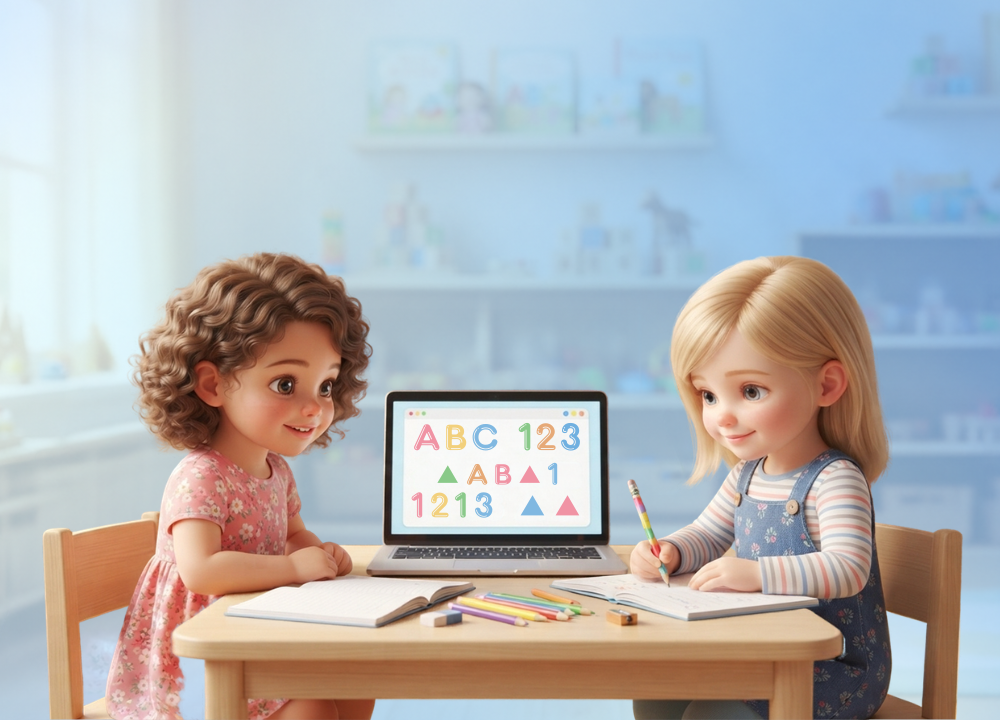
A preschool instructor offers a tablet to a four-year-old, and immediately wonders if she just benefited that child, or held her back. And when parents see bouncing letters on a screen during pickup, they get the similar spark of mistrust.
The misunderstanding is natural, because the messages about young kids and devices tug in different directions. One headline lauded tablets for helping to build letter recognition. The next warns of diminishing attention spans, interrupted sleep. That creates a serious quandary for anyone in charge of a room full of three- and four-year-olds: Is classroom technology a beneficial tool or a quiet mistake?
The honest answer is that it can be either and that which it becomes is nearly entirely dependent on how it is used. Get the strategy wrong, and a teacher either wastes a costly tool or passes on screen habits for young children that follow them to elementary school. Do it well, and technology may be like an additional pair of hands, expanding the possibilities of a busy classroom and easing the teacher’s workload. This guide reveals where technology really benefits young students, where it works against them and how to utilize it without allowing a screen to crowd out actual, hands-on play.
What Technology Actually Looks Like in an Early Childhood Classroom
Walk into a well-run preschool and you won’t see kids parked for hours in front of screens. That depiction suggests that classroom technology at this age is much more diversified and much more controlled than it is.
In reality, this looks like interactive whiteboards that the whole group gathers around, basic learning apps used during small-group rotations, and narrative systems that read picture books aloud. In certain rooms, they use a document camera to project a book on the wall so all of the children can follow along on the same page together. Some have one tablet with a counting game or letter-tracing on it, to be shared by a few youngsters at a time, rather than handed out to everyone at once.
Little-hand-designed robotics is one of the most promising instruments. A child punches basic arrow buttons to make a small robot go ahead, turn, or halt, gaining an understanding of sequencing and cause-and-effect without a single line of written code. These toys teach logic step by step, not by instruction, but by playing.
The fundamental reason teachers are working with these technologies more and more instead of forbidding them is that most youngsters are already meeting screens long before they get to a classroom door. The issue for educators is not if children will come into contact with technology, but whether their first organized contacts with technology will be deliberate and directed.
Why Children Are Already Surrounded by Screens
Understanding how much exposure students have to the digital world helps explain the changes in schools. UNICEF says one in three people using the internet around the world is a youngster, many of them frequently online well before they enter kindergarten.
This is how the teacher’s job is defined. Instead than introducing technology to youngsters who have never seen it, educators are typically directing children who already use devices at home, often without any structure at all. A classroom can be where a child first discovers that a screen can be a tool for a task with a definite beginning and conclusion, not merely a provider of limitless enjoyment.
That reframing matters more than any one app. A youngster who learns early that technology has a function, and then is turned off, has a healthier connection with screens down the line.
Where Technology Genuinely Helps Young Learners
Technology can accomplish something a printed worksheet can’t, if used intentionally: reply to one particular child in real time. A four-year-old who is struggling with letter sounds can be doing a different exercise than a classmate who can already read simple words, with both going at their own pace. The clearest benefits seem to lie in a few particular areas.
Early Literacy and Language Growth
Talking books, phonics games and letter apps provide children with additional practice in listening and matching sounds outside group classes. A kid who rarely talks during circle time may joyfully work through a vocabulary game by herself, establishing confidence without the pressure of an audience.
Pairing sound and visual tends to assist young children remember new words, which benefits a wide variety of learners. It is very helpful for children learning a second language who can hear a word said correctly as many times as they need without feeling rushed or humiliated in front of the group. That calm repetition without judgment promotes vocabulary and self-confidence at once.
Fine Motor Skills and Hand-Eye Coordination
Swiping, tapping and dragging on a touch-screen exercises the tiny muscles in the hand in a way that is complementary to, rather than a replacement for, crayons and pencils. Tracing a letter on glass with a finger is still to practice the same basic action that a pencil would eventually require. The essential phrase is complement: screens are best used in conjunction with physical tools, not as a replacement.
Robotics kits provide another dimension where kids have to punch buttons in a sequence to get to a goal. That combo teaches patience and excellent finger control at the same time wrapped inside a game the kid truly wants to finish.
Social and Emotional Skills
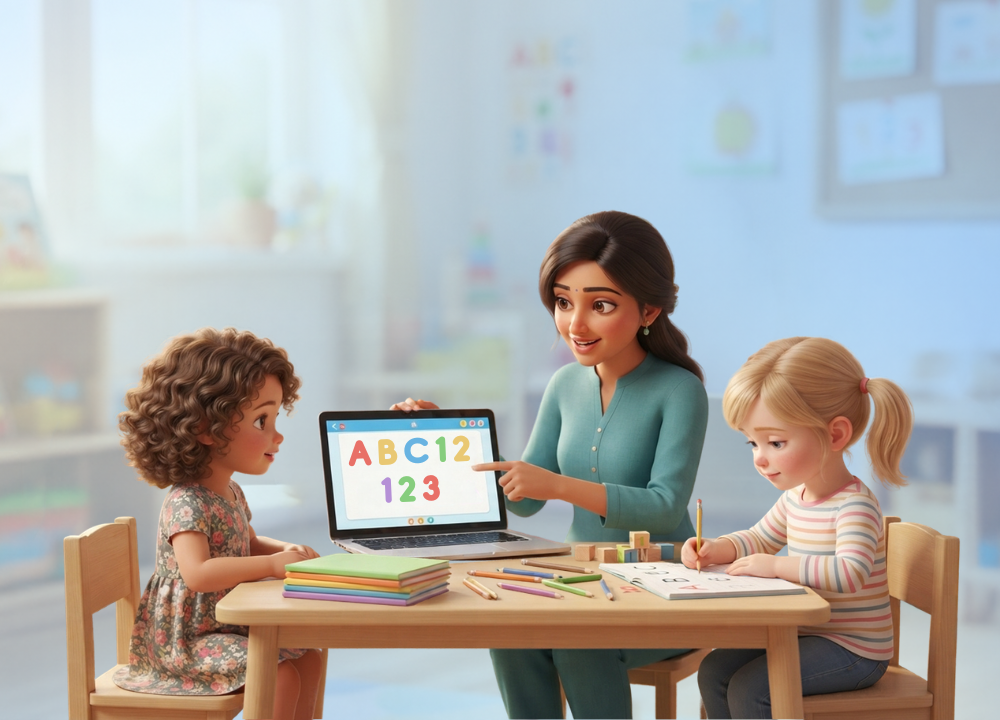
One of the biggest anxieties regarding screens in the classroom is that they isolate children. However carefully set up group tech activities can do the reverse. Two kids leading a robot through a maze side by side are practicing turn-taking, negotiation and joint problem-solving, frequently without an adult scripting every action.
The caveat is that this is only true when an adult designs the activity as a shared activity. A device given to one child in a corner isolates; a device situated between two youngsters with one goal connects. It’s the teacher’s setting, not the screen itself, that determines which happens.
Support for Children With Different Learning Needs
Here is where technology can really change things. A picture-based communication tool gives a voice to a youngster with a speech delay: Instead of fighting to force out a word, the child points to an image and may participate in circle time long before spoken language catches up.
Other tools address the daily hurdles. Adjustable text size, read-aloud features and visual schedules enable youngsters with various learning requirements to follow the same routine as everyone else. For a kid who is overwhelmed by quick changes between activities, a simple visual timer can reduce anxiety. Such interventions can make a classroom feel welcoming to a child who might otherwise feel adrift in it. Even yet, technology is an adjunct to the teacher’s attention, not a substitute. These students need the same hands-on assistance as their peers, not less.
Where Technology Can Work Against Young Children
None of these benefits are worth those very real hazards, and a whole picture necessitates taking those risks just as seriously. When technology is utilized haphazardly in the early childhood classroom, it can do harm, and there are two issues more than any others.
Screen Time, Attention, and Sleep
Long durations of screen time without interruption can drain a young child’s developing attention span and get in the way of the sleep their expanding brains and bodies require. The two problems tend to feed each other, bad sleep makes it harder to focus the next day and may result in more passive screen use as a backup.
In recent years, the screen exposure of youngsters has been increasing dramatically. According to a meta-analysis in JAMA Pediatrics, the average daily screen time for children increased by almost 1.5 times during the pandemic to around 246 minutes per day, compared to about 162 minutes per day before the epidemic, in both home and school. The habits acquired in that time have been tough to reverse.
The guidance has changed in reaction. The American Academy of Pediatrics continues to recommend no other screen time save video conferencing until 18 months and limiting high-quality programming to around an hour a day for children ages two to five. But in its latest guidelines, the AAP has moved away from a specific clock count and toward the quality, context and goal of each session. A brief, specific classroom exercise with a clear beginning and end looks very different from a screen used as a babysitter, even if the minutes are similar. That’s the difference good use of technology looks like.
The Access Gap Between Classrooms
Not every school has the same opportunity with these resources, and that imbalance creates a problem of its own. Different schools get different levels of financing, so some kids get comfortable and proficient with electronic devices years before others. A youngster without consistent internet access at home also misses out on any practice apps or digital activities the instructor may send home.
That gap can grow over time into a barrier that follows kids into subsequent grades where digital competence is increasingly anticipated. The practical lesson for districts focused on equitable outcomes is that access must be funded at the school level. What each family can afford at home . This guaranties that some children start several steps behind through no fault of their own .
How Teachers Can Use Technology the Right Way
The same conclusion keeps coming up across each of the above benefits and risks: technology is most effective when used as an addition to hands-on play and genuine instructor engagement, never as a replacement for both. A tablet game should complement a lesson already provided by a teacher with blocks, songs or a tale — not replace it.
The tools are important, but so is the training of teachers. Teachers who are given targeted coaching on classroom technology utilize it significantly more confidently and meaningfully than those left to figure it out on their own. Without that preparation, pricey tablets either stay unused in a closet, or are handed out with no learning aim attached, and neither outcome assists the children the tools were bought for.
A few easy habits keep classroom technology meaningful, not dispersed:
Set a timer for each activity, and then jump right into some hands-on play.
Select apps that respond to what a youngster does, not just those that play video.
Use devices for small group rotations, not a device every child at the same time.
Choose tools that have picture-based instructions so that non-readers can utilize the instruments independently.
Pair each tech activity with a corresponding offline activity, such as illustrating what you just learned.
This is complemented by straightforward interaction with parents. That concern is largely addressed with a quick remark that explains that the classroom tablets are being used for, example, 15 minutes of guided practice, not amusement, because many families bring fear from screen struggles at home. When parents know the “why” behind things, they are much more inclined to trust the strategy.
A Simple Framework: Helpful Versus Harmful Use
It is helpful to view the contrast firsthand because the same gadget can help or hurt, depending on its usage. The table below summarizes what responsible usage of technology looks like and the version that causes difficulties.
| Helpful Use | Harmful Use |
| Short, timed activities with a clear goal | Open-ended screen time with no end point |
| Interactive apps that respond to the child | Passive video the child only watches |
| Shared devices that encourage collaboration | One screen per child, used in isolation |
| Technology paired with hands-on play | Technology replacing play and conversation |
| Teacher chooses each tool for a specific skill | Tablets handed out to fill time |
The trend is obvious. Helpful use is purposeful, active, social and time-limited. Harmful use is passive, solitary, and indefinite. The hardware is the same but its design surrounding makes all the difference.
Frequently Asked Questions
Is screen time bad for preschoolers?
Not automatically. It’s quality and purpose that matter, not minutes. The American Academy of Pediatrics recommends around an hour of high-quality content a day for ages two to five, and increasingly emphasizes that a short, interactive, guided exercise is very different from passive, open-ended viewing.
How much technology should a preschool classroom use?
There’s no magic number, but the overarching concept is that technology should supplement, not dominate. Short activities in small-group rotations, each related to a specific skill and followed by hands-on play, maintain screens in a healthy supporting role, rather than at the center of the day.
Does classroom technology replace teachers?
No. The evidence points consistently the other direction. Technology is just another tool in the toolbox of a great teacher, providing practice and immediate feedback, but it can never replace the interaction, warmth, and adult direction that are especially important for our youngest learners.
Can technology help children with speech delays or special needs?
Yes, typically to a large degree. Apps that use pictures to communicate can allow non-verbal children to join in and features such as read-aloud text, visual schedules and visual timers help children to follow routines with their peers. These tools enhance inclusion but are most effective when accompanied with hands-on teacher involvement.
What kinds of technology are best for young children?
Interactive, responsive tools tend to beat passive tools. Robotics kits that teach sequencing, apps that respond to a child’s choices, talking books, and whole-group technologies such as interactive whiteboards encourage active engagement. Anything the youngster just sits and watches is so much less valuable at this age.
The Bottom Line: Intention Is Everything
Technology in the early childhood classroom is not a black or white answer. It has earned its place when a teacher uses it as one of several tools, such as picture books, art supplies, blocks, and outdoor play, rather than as a replacement for any of these.
The kids that benefit most have teachers who keep it intentional, choosing each tool for a specific ability, not to kill time. That is precisely what separates true learning gains from a room full of expensive tablets without a plan behind them. That’s where technology really moves the needle on early reading, fine motor skills, social development, and support for children with various needs. As soon as a screen starts to replace play, conversation and hands-on exploration, those gains start to fade.