
You press a button on your phone and a photo appears. It feels instant, almost like magic.
But behind that single tap sits a tangled relay of physical parts and invisible code, each one waiting for its turn to act.
Most people never think about this handoff because it happens in fractions of a second, hidden under a smooth screen.
The trouble starts when something breaks. A laptop freezes, an app refuses to open, a printer just sits there blinking, and suddenly you need to know whether the problem lives in the metal or in the code.
That confusion exists because hardware and software are built by completely different teams, using completely different languages, yet they have to move as one unit every single time you use a device.
If you never learn how these two sides actually connect, troubleshooting turns into guesswork, and buying new tech becomes a gamble based on marketing terms you don’t fully grasp.
This piece breaks down exactly how the physical machine and its instructions cooperate, piece by piece, so the next time something goes wrong, you’ll know where to look first.
What Hardware Actually Does?
Hardware is every physical part of a device you could touch if you opened the case.
That includes the processor, the memory chips, the storage drive, the screen, the keyboard, and every wire connecting them.
On its own, hardware has no idea what to do. A brand new processor sitting on a shelf cannot open a browser or play a song by itself.
What hardware brings to the table is raw capability. It can store electrical charges, move data along circuits, and light up pixels, but only when something tells it exactly which action to take and when.
Think of hardware as a body without a mind yet. It has muscles, nerves, and organs ready to work, but it needs signals to know what movement to make next.
What Software Actually Does?
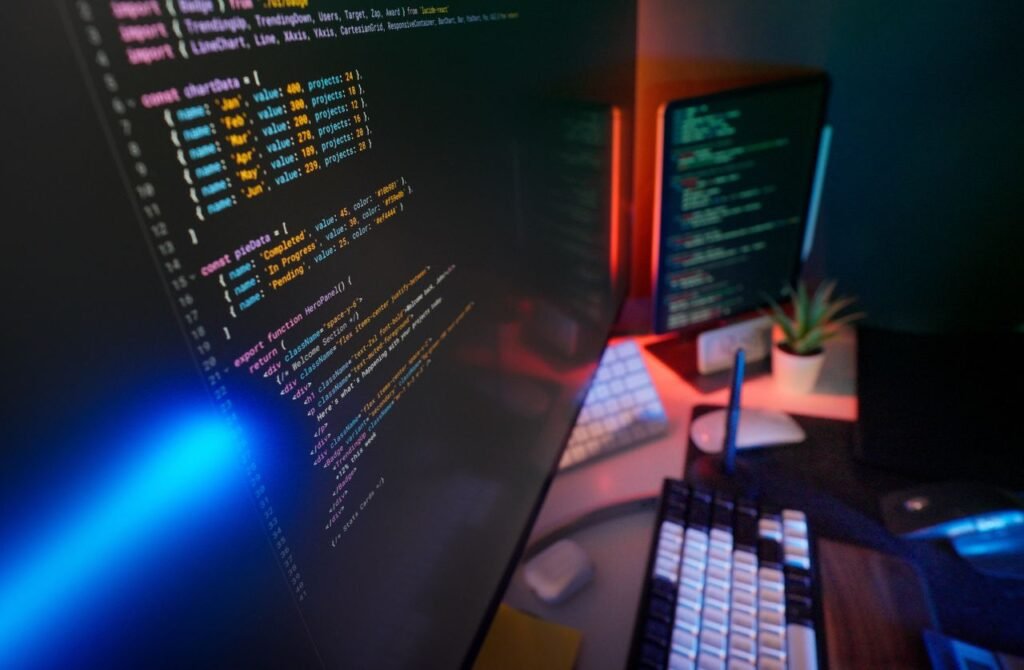
Software is the full set of instructions that tells hardware what to do, step by step, in a language the machine can follow.
This includes everything from the operating system running your laptop to the small app that tracks your steps on a watch.
Unlike hardware, software has no physical form. You cannot hold a piece of code in your hand, yet without it, even the most expensive hardware stays completely lifeless.
Software ranges from very close to the machine, like firmware, to very far from it, like the game you play on a Saturday afternoon.
The closer software sits to the hardware, the more directly it controls physical behavior, and the further away it sits, the more it depends on layers beneath it to actually get anything done.
How Hardware and Software Talk to Each Other?
Neither side speaks the other’s native language on its own, so several layers exist purely to translate between them.
These layers form a chain, and each link in that chain has one narrow job: take instructions from above and turn them into something the layer below can act on.
Skip any one of these layers and the whole system stalls, because a command from an app has no direct path to a physical chip without help along the way.
The Role of Firmware
Firmware is a small, permanent piece of software written directly onto a hardware chip during manufacturing.
It gives hardware just enough built-in intelligence to start up and respond to basic requests before any operating system loads.
Your computer’s BIOS or UEFI is firmware. It checks that core parts are working, then hands control over to the operating system the moment things are ready.
Device Drivers as Translators
A driver is software written for one specific piece of hardware, like a printer, a graphics card, or a mouse.
Operating systems cannot know the inner workings of every device ever made, so manufacturers write drivers that speak both languages fluently.
When you plug in a new mouse, the driver tells the operating system exactly how to interpret every click and movement coming from that particular model.
Without the correct driver installed, an operating system often sees the device but cannot use it properly, which is why a printer might connect yet refuse to print.
The Operating System as the Middle Manager
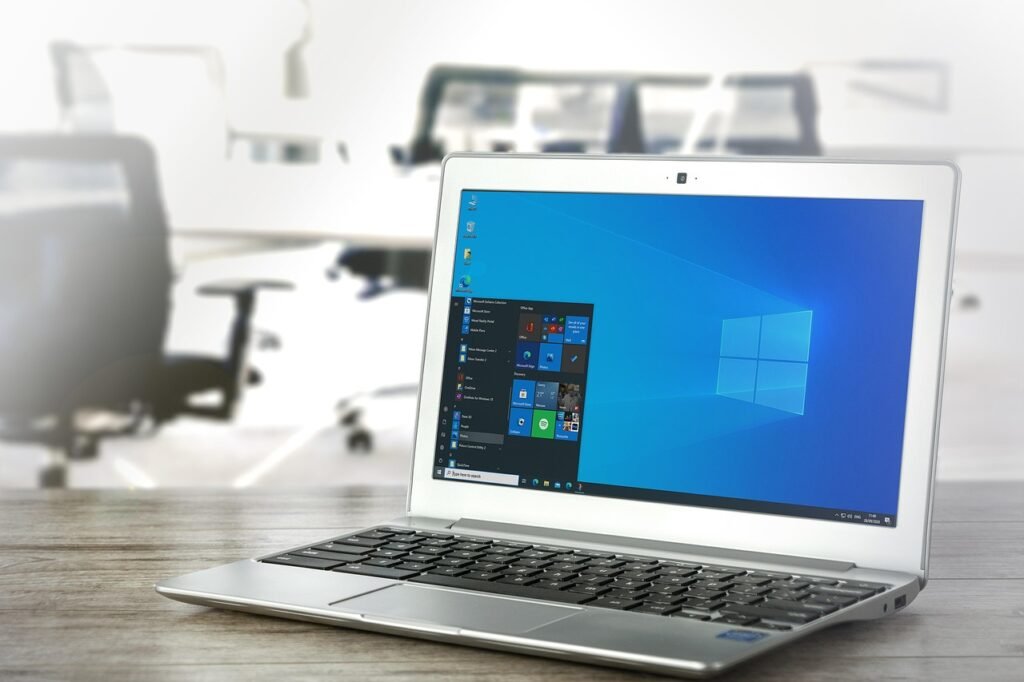
The operating system sits above firmware and drivers, coordinating everything at once so individual apps never need to deal with hardware directly.
When you open a music app, the app asks the operating system to play sound, and the operating system passes that request down through the correct driver to the speaker hardware.
This layering means app developers can write one program without worrying about thousands of different speaker models, since the operating system and drivers already handle that translation.
A Step-by-Step Look at One Command
Picture typing a letter and hitting save. Here is roughly what happens in that instant:
- Your keyboard hardware sends an electrical signal for each key pressed.
- A driver converts that signal into a character your operating system understands.
- The word processor software receives the character and displays it on screen.
- When you hit save, the operating system asks the storage driver to write data.
- The storage hardware physically records those bits onto the drive.
Each step depends completely on the one before it, and a failure anywhere in that chain stops the whole process cold.
This layered handoff is not a modern invention either. The very idea of storing instructions inside a machine’s memory, rather than rewiring it by hand for every task, traces back to the Manchester Baby computer, which ran the world’s first stored program on 21 June 1948 at the University of Manchester.
Before that machine, engineers had to physically rewire earlier computers like ENIAC just to change what they calculated, since no permanent separation between hardware and software existed yet.
Why Neither Can Work Alone?
A phone with flawless hardware but no operating system is nothing more than glass and metal that draws power and does nothing else.
Flip that around, and the newest, most polished app cannot run at all if the chip beneath it is damaged or missing.
This is why upgrading only one side of a device rarely fixes every problem. Adding more memory chips helps a slow computer only if the software running on it is actually capable of using that extra memory.
Game developers deal with this constantly. A studio can write a stunning game, but if a player’s graphics hardware is too old to handle the instructions being sent to it, the game will stutter or refuse to launch no matter how well it was coded.
The two sides are locked together by design, and neither one gets credit or blame entirely on its own.
Common Places You See This Teamwork
This partnership shows up far beyond desktop computers, often in devices people don’t think of as computers at all.
- Smart thermostats use tiny embedded software to read sensor hardware and adjust temperature automatically.
- Cars run dozens of small computers, each pairing specific hardware with dedicated control software.
- Medical devices like pacemakers rely on firmware to keep hardware sensors and timing perfectly synced.
- Gaming consoles pair custom chips with an operating system built specifically to squeeze out extra speed.
- Wearable fitness trackers combine motion sensors with software that turns raw movement into step counts.
Each example depends on the same basic chain covered earlier: hardware senses or acts, firmware and drivers translate, and higher-level software decides what should actually happen.
Even a firmware update on something as small as a pair of wireless earbuds can change how the physical hardware behaves, proving this relationship never really stops evolving after a device leaves the factory.
Understanding this chain, from raw circuits up through drivers and the operating system to the app on your screen, turns confusing tech problems into something you can actually reason through, one layer at a time.
Pingback: How to Use a Bluetooth Speaker? – Phone, PC, TV & More - Tech Journey Flow
Pingback: How to Monitor Home Remotely with Smart Technology in 2026? - Tech Journey Flow
Pingback: What Are Some Of The Technologies Used For Home Internet? - Tech Journey Flow
Pingback: Hardware and Firmware Integration: How Embedded Products Actually Come to Life - Tech Journey Flow