
Every time you tap an app open or run a search, something inside your device works through that request in a flash.
You want to know exactly which part handles that work, and the word “processing” gets used so loosely that the answer feels murky.
A computer is packed with memory chips, storage drives, graphics chips, and controllers, and each one plays its own role.
Mix them up and you might chase the wrong upgrade, or misread why your device struggles with certain tasks but breezes through others.
There is one clear answer to this question, and once you see how that part connects to everything else inside your device, the whole system starts to click.
The Short Answer: It’s the CPU
The part that processes data is the central processing unit, known almost everywhere as the CPU.
Think of it as the part of your computer that reads instructions and carries them out, one after another, at a blistering pace.
Every tap, keystroke, and click eventually turns into a stream of tiny instructions, and the CPU is what works through that stream.
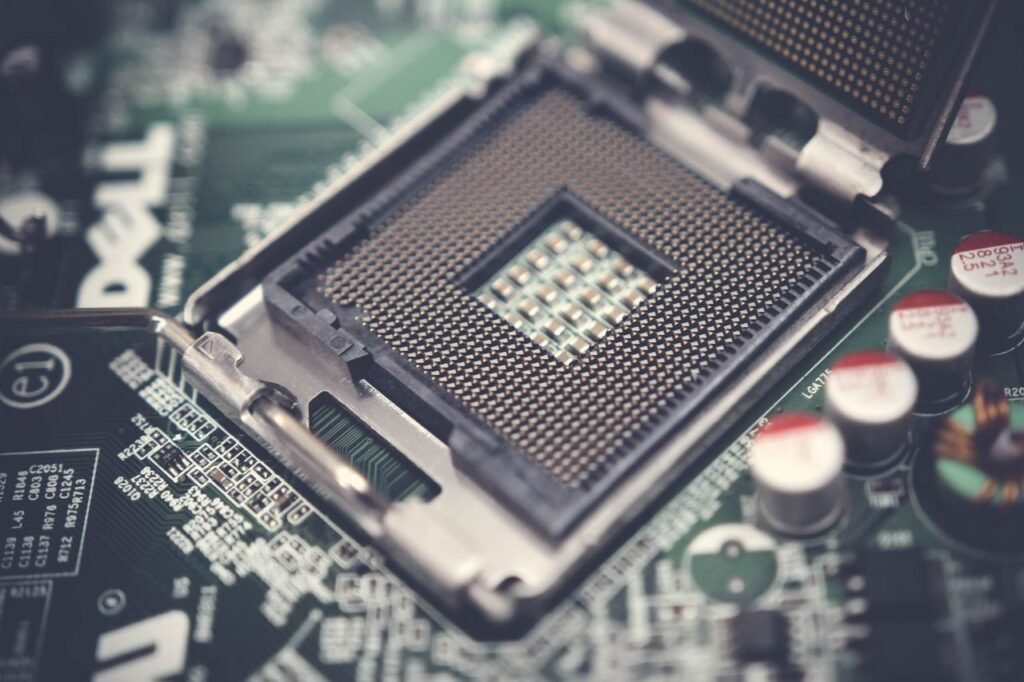
It sits on the motherboard, usually under a metal heat spreader, and it stays connected to memory and storage so it always has data ready to work on.
Without it, a computer is just a box of parts with nothing to tie them together or make them act.
What Does “Processing Data” Actually Mean?
Processing sounds abstract, but it breaks down into a handful of concrete steps that happen billions of times per second.
The CPU fetches an instruction from memory, figures out what that instruction wants done, and then carries it out.
This might mean adding two numbers, comparing two values, or moving a piece of data from one spot to another.
A single click on a mouse can trigger thousands of these tiny steps before anything visible happens on your screen.
Speed here comes from repetition rather than complexity, since each step is simple but there are staggering numbers of them.
Inside the CPU: The Parts That Do the Work
A CPU isn’t one uniform block of silicon. It’s built from smaller sections, each handling a different piece of the job.
Understanding these pieces makes it much easier to see why some processors handle certain tasks faster than others.
The three sections below work together on every single instruction the CPU carries out.
The Control Unit
The control unit acts like a traffic director inside the chip. It doesn’t do the math itself.
Instead, it reads each instruction and decides which other part of the CPU needs to act on it.
It also keeps everything timed correctly, so data moves through the chip in the right order without pieces stepping on each other.
Without this coordination, even a powerful chip would produce chaos instead of useful output.
The Arithmetic Logic Unit (ALU)
The arithmetic logic unit is where actual math and comparisons happen.
It adds, subtracts, and checks whether one value is bigger or smaller than another, among other basic operations.
Every calculation your spreadsheet runs, every score your game tracks, and every filter your photo app applies eventually passes through an ALU.
Modern chips often contain several ALUs so multiple calculations can run side by side instead of waiting in line.
Registers and Cache
Registers are tiny storage spots built directly into the CPU, holding the data the chip is using right this instant.
They’re incredibly fast, far quicker than pulling the same data from your computer’s main memory.
Cache sits just outside the registers and stores recently used data, acting as a middle ground between the CPU and slower memory.
Together, they keep the CPU fed so it rarely has to sit idle waiting for information to arrive.
How the CPU Talks to Everything Else?
A processor never works alone. It constantly exchanges data with RAM, storage drives, and other components through pathways called buses.
RAM holds the programs and data currently in use, feeding the CPU far faster than a hard drive or SSD ever could.
Storage, meanwhile, keeps everything long-term, only handing data over to RAM when a program actually needs it.
The motherboard ties all these pieces together physically, giving the CPU direct lines to memory, storage controllers, and expansion slots.
Even the fastest processor stalls out if the parts feeding it can’t keep pace, which is why balanced hardware matters as much as raw chip speed.
CPU vs GPU: Two Different Kinds of Processing
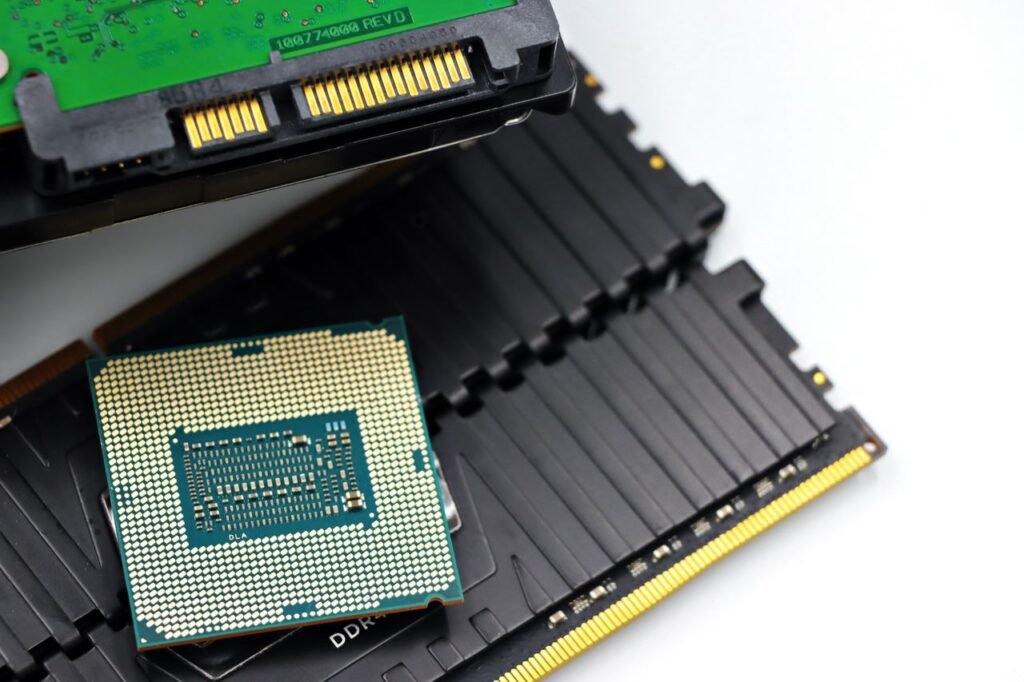
People often assume a graphics card processes data too, and it does, just in a very different way than a CPU.
A CPU handles a wide mix of tasks one after another, switching between them so quickly it feels simultaneous.
A GPU, by contrast, was built to run thousands of simpler calculations at the exact same moment.
Why GPUs Excel at Parallel Tasks?
Rendering a single frame of video means calculating color and lighting for millions of pixels, and each pixel’s math barely depends on the others.
A GPU splits that workload across thousands of small cores, finishing the whole frame far quicker than a CPU ever could alone.
This same trick now powers machine learning, where similar repetitive math runs across huge sets of data at once.
CPUs still handle the overall decision-making and coordination, while GPUs step in specifically when a task can be broken into many identical, parallel pieces.
A Quick Look Back: How Processors Got This Powerful
The first true microprocessor, the Intel 4004, was released in March 1971 as a complete general-purpose CPU squeezed onto a single chip.
According to IEEE Spectrum’s account of the chip, the 4004 was actually a scrappy side project born from a calculator contract, not a flagship product Intel had planned around.
That first chip carried roughly 2,300 transistors on its tiny die, a number that seemed remarkable at the time.
Compare that to today’s high-end chips, where a report from processor-tracking site ProcessorHistory notes that Apple’s M3 Ultra packs around 184 billion transistors as of early 2025, built using a dual-die design.
This growth traces back to a prediction made by Intel co-founder Gordon Moore in the 1960s, who guessed that transistor counts on a chip would roughly double every couple of years, a trend now known as Moore’s Law.
That pace held remarkably well for decades, though chipmakers have leaned more on adding processor cores since clock speeds hit practical limits in the mid-2000s.
What Affects How Fast a CPU Processes Data?
Not every CPU processes data at the same speed, and several factors decide where a given chip lands.
- Clock speed: how many cycles the CPU completes each second, measured in gigahertz.
- Core count: more cores let a chip handle several tasks at once instead of queuing them.
- Cache size: bigger cache means fewer trips to slower main memory for common data.
- Architecture: newer chip designs often do more useful work per clock cycle than older ones.
- Thermal limits: a chip running too hot has to slow itself down to avoid damage.
None of these factors work in isolation, and a chip that’s strong in one area can still bottleneck if another area falls behind.
A high core count means little if the software running on the machine can’t actually spread work across those cores.
The Bottom Line
The CPU remains the part of your computer built specifically to process data, step by step, instruction by instruction.
It leans on the control unit to stay organized, the ALU to handle math, and registers and cache to keep information within easy reach.
Other parts, from RAM to the GPU, support that work rather than replace it, each contributing a different strength to the system as a whole.
Once you see how these pieces divide the labor, questions about upgrades or slowdowns become much easier to answer with real confidence.
Pingback: Hardware For AI Radiocord Technologies: What It Takes to Build a Device That Actually Thinks - Tech Journey Flow
Pingback: Hardware and Firmware Integration: How Embedded Products Actually Come to Life - Tech Journey Flow
Pingback: System Architecture Design for Hardware Radiocord Technologies - Tech Journey Flow
Pingback: Sensors Emerging Technology Coral Hardware Bluetooth - Tech Journey Flow
Pingback: Advanced Hardware Lab 3 3 Identify Memory Technologies - Tech Journey Flow